The Foundation of Sovereignty
In the age of centralized surveillance, the most revolutionary act you can perform is to own your own intelligence. For over twenty years, I've been building systems from scavenged parts—PCs that I knew inside and out because I soldered the connections myself in my workshop in Rural Wisconsin. A Local LLM (Large Language Model) is the AI equivalent of those scavenger builds. It is a state-of-the-art cognitive engine that lives on your physical hardware, disconnected from the surveillance cloud. When you run a model locally, the Inference (the actual mathematical "thinking" process) happens on your CPU or GPU, not on a server in a distant data center. This is the ultimate expression of Data Sovereignty.
To understand why this matters, we must revisit the distinction between Training vs Inference. While training a frontier model requires thousands of synchronized H100 GPUs and millions of dollars in electricity, Local Inference has become remarkably efficient. In 2026, you can run models that rival GPT-4 level intelligence on a high-end consumer laptop or a dedicated home server. This shift is powered by Open weights—models like Llama 3, Mistral, and DeepSeek whose internal parameters have been released to the public, allowing anyone to host them without permission or oversight. To learn more about the basic architecture of these models, see our guide on What is an LLM?.
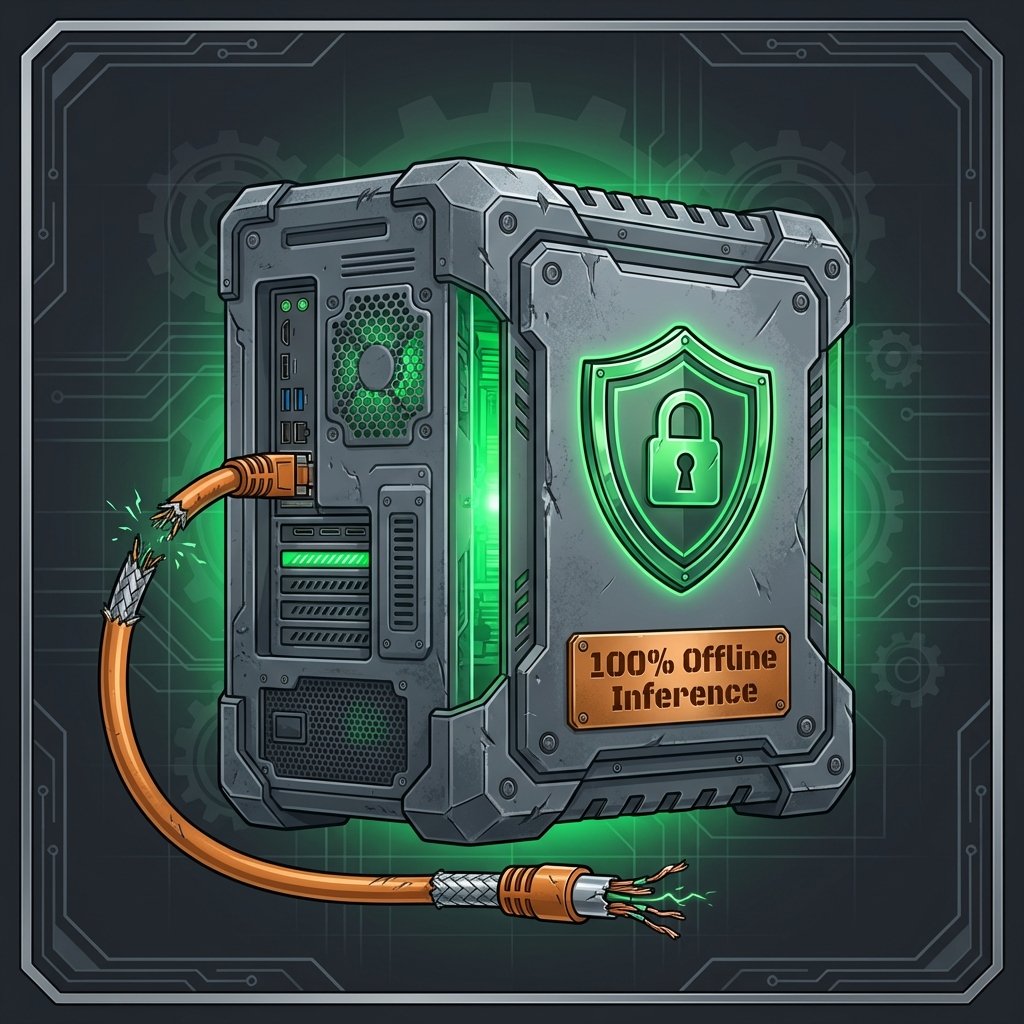
The primary benefit of a Private Setup is simple: absolute privacy. When you use a cloud-based provider, your prompts, your files, and your creative "In" are often harvested to improve the provider's future models—a process we detailed in our module on Data Harvesting: The Free Model Trap. With a local setup, the wire is cut. You can interact with your AI while completely offline, ensuring that not a single packet of your data ever touches the public internet. This makes local AI the mandatory choice for Client Privilege, HIPAA compliance, and the protection of Intellectual Property.
Tactical Insight: The Hardware "In"
The "Thinking" of an AI is really just massive-scale matrix multiplication. To do this efficiently, you need specialized hardware designed for parallel processing.
- 1. VRAM (Video RAM): This is the most critical component. VRAM is the "bed" where the model weights sit during operation. A 7-billion parameter model typically requires about 5GB to 8GB of VRAM. For a smooth experience, I recommend an NVIDIA GPU with at least 12GB of VRAM (like the RTX 3060 or 4070).
- 2. Unified Memory (Apple Silicon): If you are on a Mac, Apple Silicon (M1/M2/M3) chips use a "Unified Memory" architecture. This allows the GPU to use the system's total RAM as VRAM. A Mac with 64GB of RAM can run massive models that would otherwise require multiple professional-grade NVIDIA cards.
- 3. NPU (Neural Processing Unit): Modern PCs are increasingly including dedicated NPUs. These are chips designed specifically to handle Inference tasks with extreme energy efficiency, making them ideal for running background AI tasks on laptops without draining the battery.
The Logic of Compression: Quantization
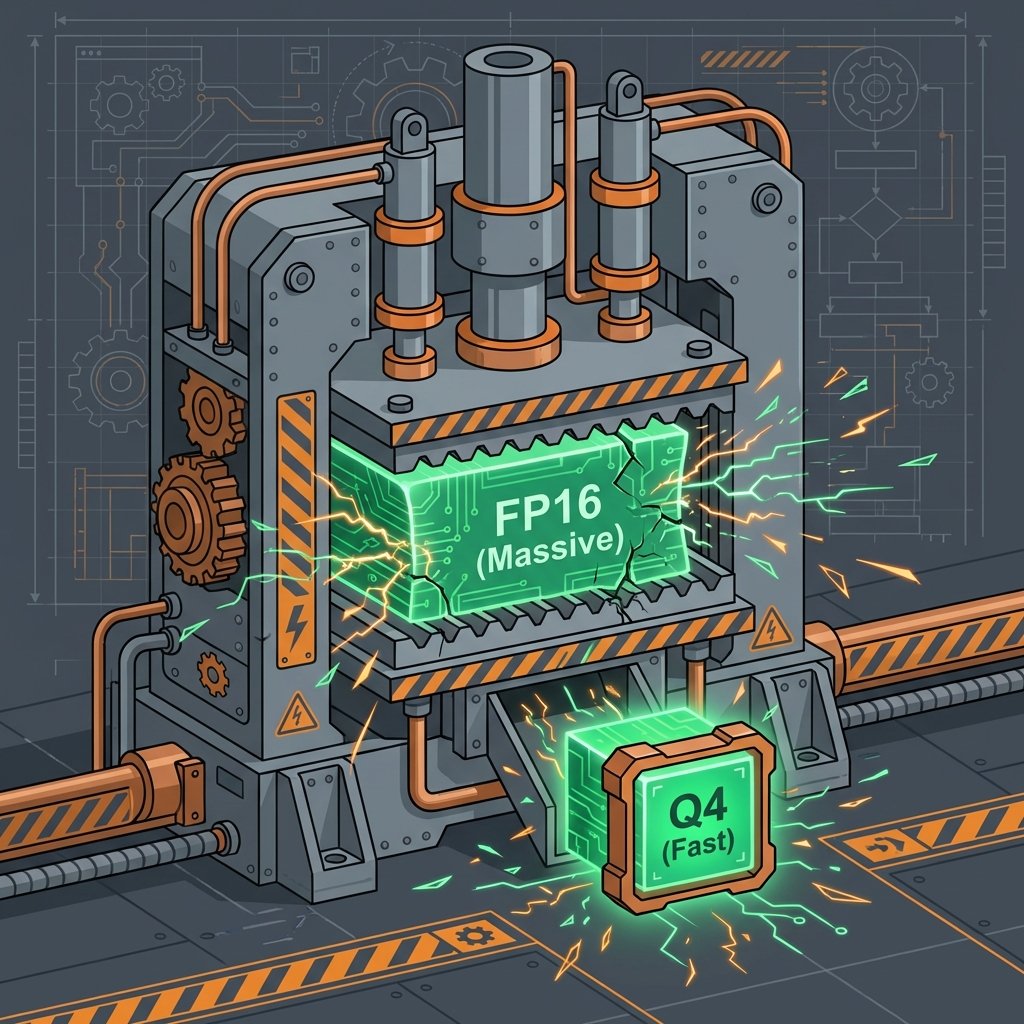
How do we fit a model that was trained on a supercomputer onto a single home PC? The answer is Quantization. During training, model Weights are stored in high-precision formats (like FP16). Weights are the mathematical parameters that represent the "knowledge" of the model. Quantization is the process of reducing the precision of these weights (for example, from 16-bit to 4-bit) to save memory and increase speed.
The gold standard for local model files is the GGUF format. GGUF is a highly optimized binary format designed for Local Inference. It allows a model to be split across your GPU and CPU, ensuring that even if you don't have enough VRAM, the model can still run (albeit more slowly). You can find thousands of these quantized models on Hugging Face, the central hub of the open-source AI community.
When selecting a model, you'll see labels like "Q4_K_M" or "Q8_0". These refer to the level of Quantization. A 4-bit quantization (Q4) offers an incredible balance, reducing the file size by 75% with only a 1-2% loss in relative intelligence. This is the "Thrifty Flipper" approach to AI: getting 99% of the value for 25% of the resource cost. For more on managing these resources, see our guide on Understanding Tokens & Context Windows.
Tools of the Trade: Software Orchestrators
In my early days, I had to compile kernels just to get a network card working. Today, running a local LLM is as easy as installing a browser. There are several powerful Software Orchestrators that handle the complex task of loading weights and managing the Inference pipeline:
Ollama is the favorite for those who love the Command Line (CLI). It is a lightweight, incredibly fast tool that allows you to download and run models with a single command (e.g., `ollama run llama3`). It handles all the background optimization for your specific hardware automatically.
For those who prefer a visual interface, LM Studio is the premier choice. It provides a beautiful GUI for searching Hugging Face, downloading models, and chatting with them in a window that looks and feels like ChatGPT. LM Studio also allows you to host a local API server, which is essential if you want to connect your local model to other automation tools, as we discuss in our Workflow Automation module.
Another excellent option is GPT4All, which is designed to run on almost any hardware, even if you don't have a dedicated GPU. It is built for Offline accessibility and ease of use, making it a great starting point for homeschooling environments where you want to provide Socratic Tutors for children without internet exposure.
Speed and Latency: Measuring Performance
In the local world, the speed of your AI is measured in Tokens per Second (TPS). Latency is the delay between your prompt and the first word appearing. In a cloud setup, Latency is often caused by network congestion. In a Private Setup, Latency is purely a function of your hardware's Memory Bandwidth and compute power.
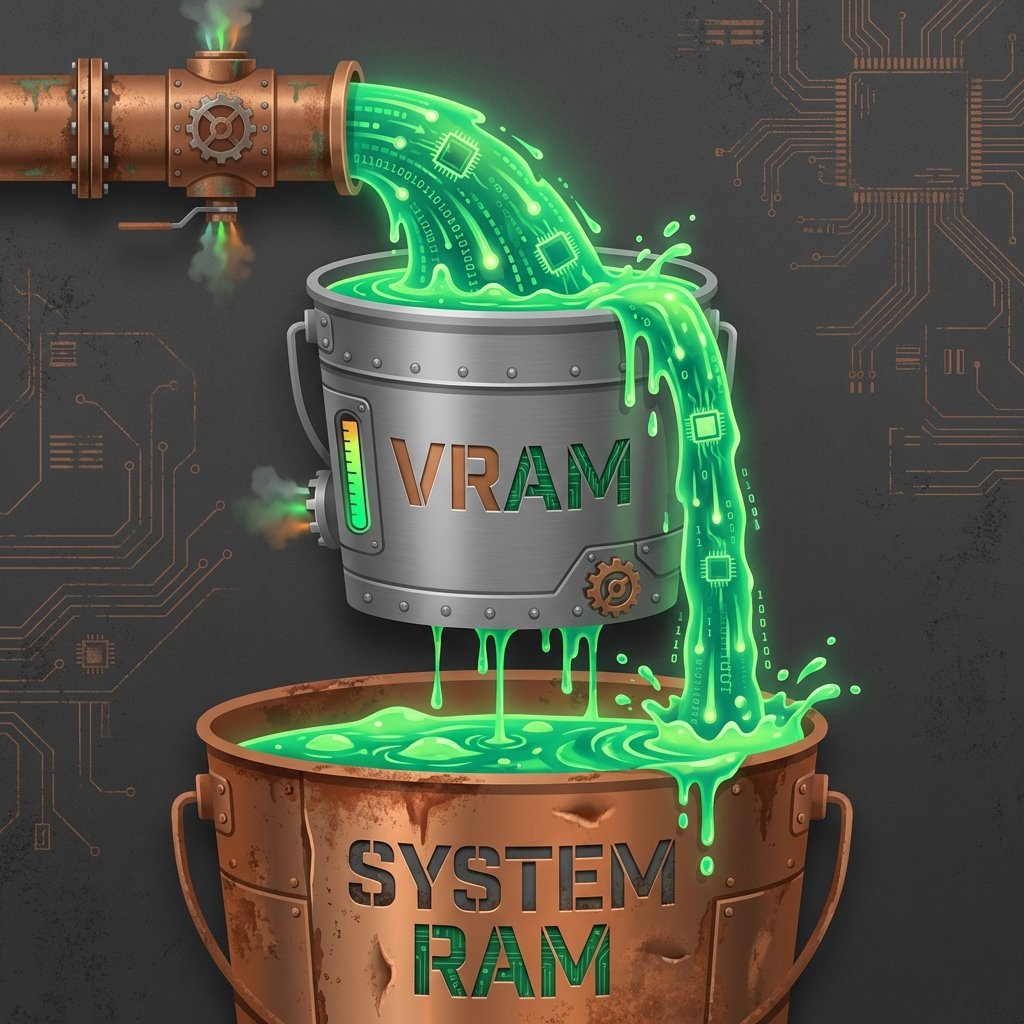
If your model is too large for your VRAM, it will "spill over" into your system RAM, causing a significant increase in Latency. This is because system RAM is much slower than the high-speed memory on a graphics card. Finding the "Sweet Spot" between model size and TPS is the key to a usable local experience. For most users, a speed of 10-15 TPS is equivalent to a comfortable reading pace, while 30-50 TPS feels instantaneous.
The Truth Unfiltered: Escaping Censorship
One of the most significant advantages of local AI is the ability to run Uncensored or Unfiltered models. Centralized models (like the base versions of Gemini or ChatGPT) are often tuned with heavy "Safety Filters" that can lead to moralizing, refusal to answer certain questions, or biased outputs—a phenomenon we explore in our Censorship Debate spoke.
By downloading "Instruct" or "Dolphin" variants of open models, you can access an AI that treats you as an adult. These models don't preach; they provide raw, high-authority information based on their training data. This is essential for Creative Writing, Historical Roleplay, and Technical Troubleshooting where you need the machine to follow your lead, not its creator's ideology.
Stewardship and the Scavenger Ethos
As a follower of Christ, I believe we are called to be good stewards of the gifts we are given. Technology is a tool, and true Stewardship involves understanding how that tool works so that it can be used for service. My high-functioning autism allows me to "see" the patterns in these local rigs—the way a 128-bit memory bus interacts with a quantized 4-bit weight file. It is a beautiful, logical ecosystem that mirrors the order of creation.
Building a sovereign setup is an act of Digital Stewardship. It is about taking the "scraps" of the digital age—old workstations, used GPUs, and open-source weights—and forging them into a weapon for the mind. When you own your compute, you are no longer a product being mined; you are a pilot navigating your own destiny.
If you are not ready for a full local hardware setup yet, you can still embrace these principles by using platforms like Venice AI, which provides the benefits of sovereign models through a private, encrypted cloud architecture. But for those who want the ultimate tier of security, the path leads to the Local LLM.
By the grace of God, the barriers to entry have fallen. The tools are free, the hardware is accessible, and the knowledge is public. It is time to stop being a passenger in the Big Tech cloud and start being the architect of your own unobserved life. Your data is your dignity. Your setup is your fortress. Build it well.
Continue your journey toward AI Mastery by exploring how these sovereign tools can be applied to real-world scenarios. In the next module, we'll see how private models can be used in the high-stakes world of Law Enforcement.